
Desk robot review · Prices checked October 12, 2026
Eilik is a small desk character that needs no account and no Wi-Fi
Eilik weighs 230 grams, stands 133 mm tall and reacts to touch, being picked up and other Eiliks nearby with animated eyes, sounds and servo movement. Energize Lab sells it for $139.99, and its core behavior works without an internet connection. That combination is rare among robot companions in 2026.
Eilik review: the short answer
Best for
Office desks, teenagers’ rooms and gift buyers who want an expressive robot that is easy to set up and has no ongoing cost.
Price
$139.99 for one Eilik in blue or pink, $269.98 for a two-pack. No subscription.
Strongest point
Works offline. No app, no account and no camera, which keeps both setup and privacy simple.
Main compromise
About 1.5 hours per charge and no wheels or legs. It entertains in short sessions rather than living around the house.
Eilik versions and prices
| Item | Official price | List price | Notes |
|---|---|---|---|
| Eilik (blue or pink) | $139.99 | $149.99 | Single robot |
| Eilik two-pack | $269.98 | $299.98 | Blue + blue or blue + pink; units interact with each other |
| Eilik Desert Quester | $199.98 | $209.00 | Themed edition |
| Eilik AI Station | $99.00 | $149.00 | Optional; adds natural AI conversation |
| Outfits | $9.90 to $19.90 | – | Cosmetic |
Energize Lab notes that prices do not include customs duties, taxes or other country-specific charges. Shipping is calculated at checkout.
What Eilik does on a desk
Eilik’s personality comes from a small OLED screen used as eyes, a 3W speaker and four servos that move its head and arms. It responds when you touch it, pick it up or leave it alone, and it has built-in games and a clock function. When two or more Eiliks are near each other, they recognize one another and interact, which is the main reason people buy the two-pack.
- Touch reactions. Petting and picking it up trigger different animations and sounds.
- Idle behavior. It moves to standby after one minute without interaction, sleeps after 15 minutes and shuts down after 30 minutes, which protects the small battery.
- Games and time. Simple built-in games and a time function.
- Group play. Multiple Eiliks greet, play with and react to each other.
- Updates. New behaviors arrive through free software updates installed from a Windows or Mac computer.
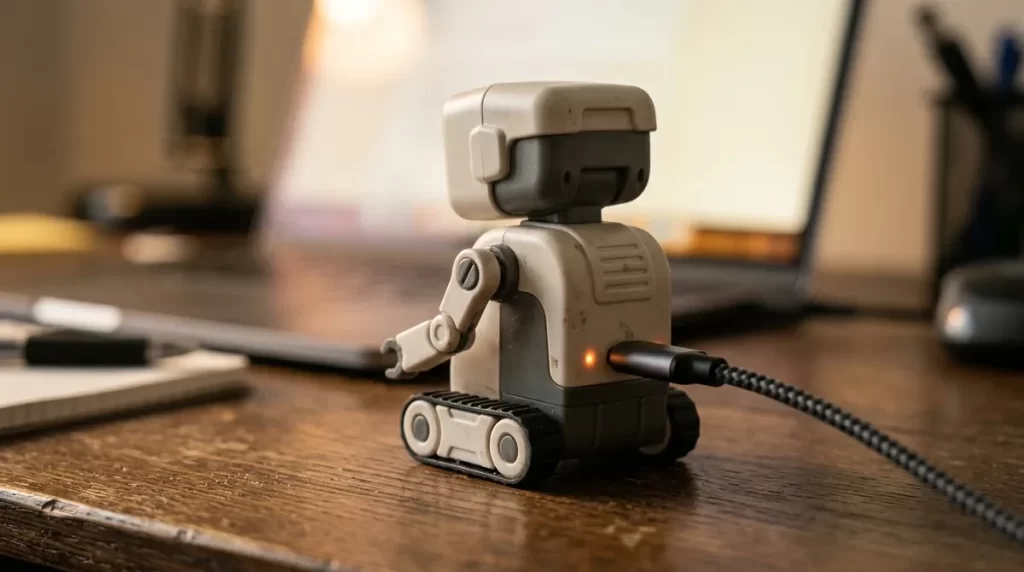
Eilik specifications and battery
The battery is the number to plan around. Ninety minutes of active play is enough for a few sessions a day if Eilik sits near a USB-C cable. It is not designed to run all day away from power. Our maintenance guide explains how to keep small lithium batteries healthy.
The AI Station: worth $99?
Out of the box, Eilik communicates through expressions and sounds, not conversation. The AI Station, sold separately for $99, adds natural AI conversation. Before buying it, decide whether you want a talking assistant at all. If conversation is the goal, a robot designed around voice from the start may suit you better; if the goal is a quiet desk character, the base Eilik is the point.
Eilik’s limitations
Where Eilik is strong
- Price under $150
- No subscription, account or Wi-Fi requirement
- No camera
- Charming multi-unit interactions
Where it falls short
- About 1.5 hours per charge
- Stays where you put it
- No conversation without the AI Station
- Short 90-day warranty
Who should buy Eilik
Eilik suits adults and teenagers who want a desk companion with personality, people who distrust always-online devices, and gift buyers who want something that works the moment it is charged. It is less suited to young children who expect a pet that follows them, or to anyone looking for practical help. For a robot that moves around a desk and returns to charge, compare it with EMO; for a soft robot that can be held, look at Casio Moflin or Joy for All pets in our no-subscription guide.
Frequently asked questions
Does Eilik need Wi-Fi or an app?
No. Energize Lab says Eilik works without Wi-Fi or internet. Updates are installed from a computer.
How long does Eilik’s battery last?
About 1.5 hours from its 450 mAh battery, with a charge time of about 1 hour over USB-C.
Can Eilik talk?
Not in the base version. The separately sold AI Station ($99) adds natural AI conversation.
Does Eilik have a camera?
The official specifications list a display, servos and a speaker, with no camera.
Is the two-pack worth it?
If interaction between robots is the appeal, yes: two Eiliks recognize and react to each other, and the pack costs $269.98 instead of $279.98 for two singles.
Sources and update policy
Specifications, prices, warranty and return terms come from Energize Lab’s official Eilik listing, checked October 12, 2026. Prices and bundles change frequently; confirm them before ordering. Report errors through our contact page.