Children’s robot review · Prices checked October 12, 2026
Miko 3 is a talking learning companion whose value depends on Miko Max
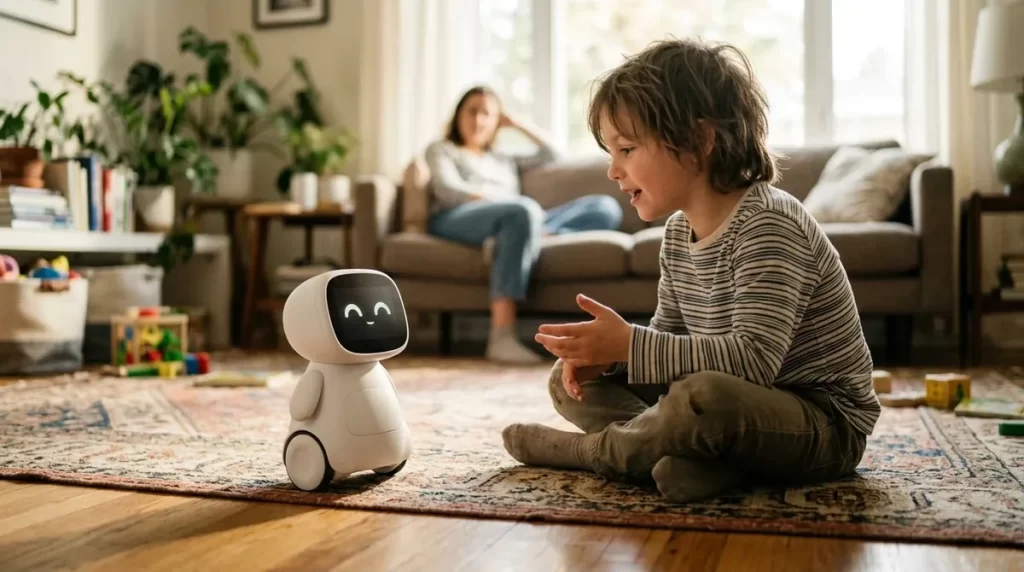
Miko 3 is a wheeled robot for children aged 5 to 10 with a screen face, a camera, conversation features and a library of games, stories and lessons. The hardware costs $299. The question most parents should ask first is not whether their child will like it, but whether they are willing to pay for the content subscription that opens most of the library.
Miko 3 review: the short answer
Best for
Children aged 5 to 10 who enjoy talking, quizzes, stories and short games, in a home where a parent sets limits and checks the app.
Real price
$299 for the robot, plus $99 per year for Miko Max if you want the full content library. The first year therefore costs about $398 before tax.
Strongest point
Child-oriented design: a closed content catalog, parental controls, a one-tap camera and microphone switch and a kidSAFE certification.
Main compromise
It behaves more like a tablet on wheels than a robot pet. Much of the value lives in licensed content that requires a subscription and an internet connection.
Miko 3 price and the Miko Max subscription
Miko lists the robot at $299 on its US store. When we checked, the product page showed it as sold out, so availability may depend on restocks or third-party retailers. Promotional codes appear on the page from time to time; treat any discount as temporary.
| Item | Official price | What you get |
|---|---|---|
| Miko 3 robot | $299 | The robot, 1-year warranty, 30-day money-back guarantee |
| Miko Max, annual | $99 per year (list $180) | Full content library, Miko’s memories feature, multilingual capabilities |
| Miko Max, monthly | $14.99 per 30 days | Same library, easier to cancel after a trial period |
| First-year total | About $398 | Robot plus one annual Max plan, before tax and shipping |
| Three-year total | About $596 | Robot plus three annual plans at today’s price |
Use our robot companion cost calculator to add tax, shipping and accessories for your country.
What Miko 3 does in daily use
Miko 3 combines a small wheeled body with a wide-angle IPS screen that shows its face and the activity in progress. A child talks to it, answers questions, plays games and watches or listens to content. Miko describes the Max library as more than 1,000 games, educational videos, stories, puzzles, music, coding activities and yoga sessions, including licensed content from partners such as Disney and DaVinci Kids.
- Conversation and questions. The child can ask questions and get spoken answers in a child-appropriate format.
- Learning activities. Quizzes, early coding, language and general-knowledge activities aimed at the 5 to 10 age range.
- Stories, music and movement. Story sessions, songs and short yoga or dance routines that get the child off the sofa.
- Memories. A Max feature that lets the robot refer back to earlier interactions with the child.
- Parent app. Setup, Wi-Fi connection, progress reports and controls run through the Miko app on the parent’s phone.
What it does not do is behave like a pet. It is not designed to be cuddled, it does not have a soft body, and it is not a reason to skip human reading time or play. Think of it as a structured activity device with a friendly face.
What changes without Miko Max
Miko’s own comparison table shows that users without Max get limited access to several apps. The examples listed include Disney content, progress reports and parental controls. That last point matters: some of the tools a parent would use to supervise the child are part of the paid tier.
Still available without Max
- The robot, its basic personality and conversation
- A limited selection of activities
- Hardware warranty and support
Limited without Max
- Most of the 1,000+ item library
- Licensed content such as Disney
- Full progress reports and some parental controls
- Memories and multilingual features
If you do not plan to pay for Max after the first year, compare Miko 3 with a robot whose core features work offline, such as Eilik, or with a programmable robot that has no content fee. Our guide to robot companions for kids compares those routes.
Privacy and child safety
A robot with a camera and microphones in a child’s bedroom deserves more scrutiny than a toy. Miko’s product page makes four specific claims:
- Its data practices are described as COPPA-compliant (the US children’s online privacy law).
- It is certified by the kidSAFE Seal Program.
- No identifiable voice recordings are stored.
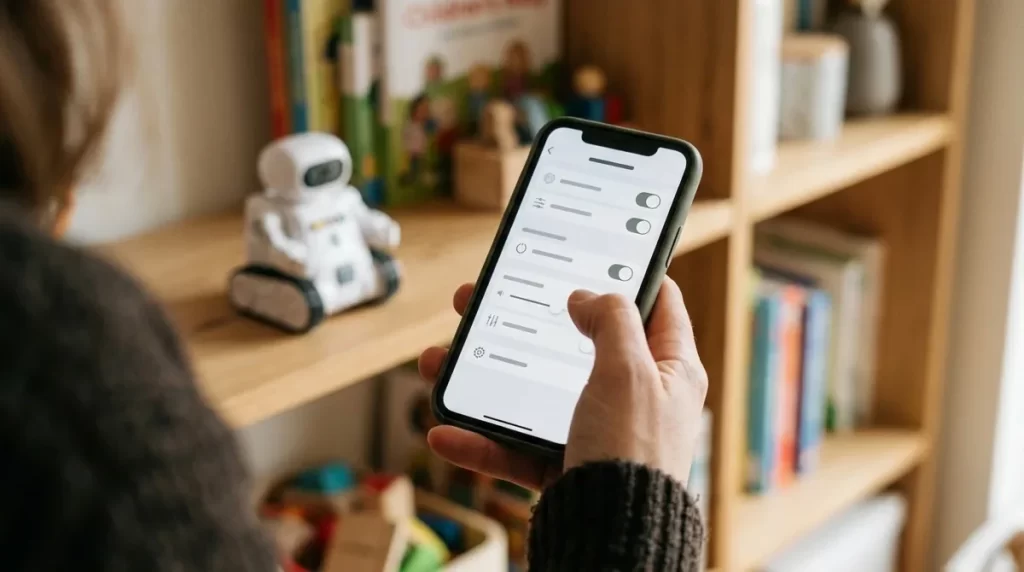
- Parents can disable the camera or microphone with one tap.
Those are useful commitments, but they are the company’s statements, not an independent audit we performed. Before setup, read the current privacy policy, create the account in a parent’s name, decide where the robot will live (a shared room is easier to supervise than a bedroom) and agree with the child when the camera is switched off.
Our robot companion security checklist covers router settings and account sharing in more detail.
Battery, charging and setup
Six hours of play is more than most children will use in a day, so charging overnight in a shared room works well and keeps the robot out of the bedroom at night. Plan setup for a time when a parent can sit with the child for the first session: connecting Wi-Fi, creating the account and choosing settings takes longer than unboxing.
Who should buy Miko 3, and who should skip it
A good fit if
- The child is 5 to 10 and enjoys talking and quizzes
- You accept about $99 a year for content
- A parent will check the app and set time limits
- You want a closed, child-focused catalog instead of an open tablet
Skip it if
- You want a cuddly pet-like robot
- You will not pay for a subscription after year one
- The child already spends a lot of time on screens
- You need it to work without Wi-Fi
Miko 3 alternatives
| Product | Price | Subscription | Better choice when |
|---|---|---|---|
| Miko 3 | $299 | Miko Max $99/year (optional but central) | You want guided learning content and parental tools |
| Eilik | $139.99 | None; core features work without Wi-Fi | You want a small expressive desk character with no account |
| EMO | $279 or $369 (GO HOME) | No mandatory plan | An older child or teen wants a lively desk pet |
| A tablet with parental controls | Varies | Optional apps | You mainly want educational apps, not a robot body |
Prices were taken from each manufacturer’s US store on October 12, 2026. See our EMO review and our list of affordable robot companions for more detail.
Frequently asked questions
Does Miko 3 need a subscription?
No, the robot works without one, but most of the content library, licensed content, full progress reports and some parental controls require Miko Max at $99 per year or $14.99 per 30 days.
What age is Miko 3 for?
Miko designs it for children aged 5 to 10. Older children tend to outgrow the content, and younger ones may need help with conversation and navigation.
Can I turn off Miko 3’s camera?
Yes. Miko says parents can disable the camera or microphone with one tap. Decide with the child when those switches are used.
Does Miko 3 work without Wi-Fi?
Setup requires a secure Wi-Fi network through the Miko app, and content and conversation features depend on a connection. Plan for it to be online.
How long does the battery last?
Miko quotes about 6 to 7 hours of continuous play after a charge of roughly 4 hours with a 15W adapter.
Can I return it if my child loses interest?
Miko offers a 30-day money-back guarantee on the robot. Cancel any monthly Max plan separately in the app.
Sources and update policy
Prices, Miko Max terms, battery figures, privacy claims, warranty and return terms come from Miko’s official Miko 3 product page, checked October 12, 2026. Prices and plan terms change; confirm them at checkout. If you spot an error, use our contact page and we will review it under our corrections policy.